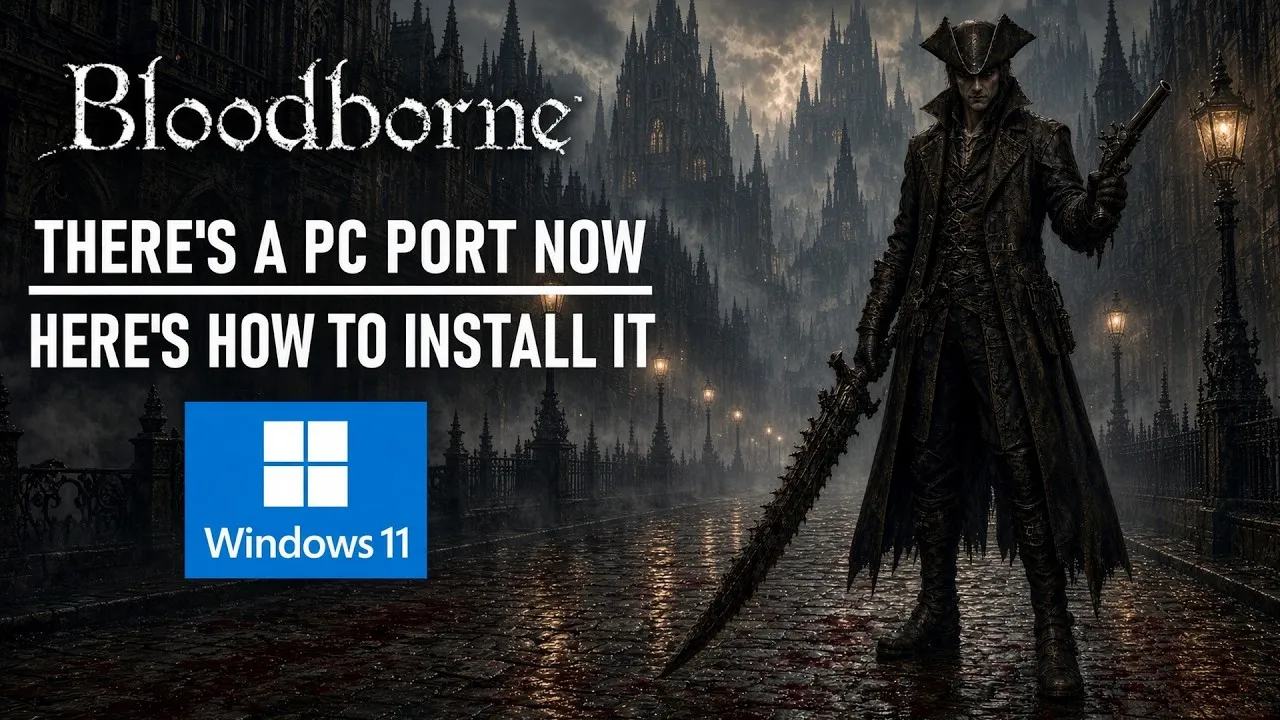
Bloodborne PC
Fan-WikiBloodborne PC ist endlich real — nur anders als irgendwer erwartete. Im Oktober 2026, rund elf Jahre nach dem PS4-Original, brachte das inoffizielle bbport-Projekt FromSoftwares gotisches Meisterwerk als nativen Port auf Windows: echte Grafikeinstellungen, QoL-Verbesserungen, bis zu 100 FPS und darüber hinaus, funktionierender Online-Play mit eigener Matchmaking-Website und sogar Maus-Steuerung. Dieses Wiki begleitet alles ab Tag eins.
Frisch aus Yharnam
Bloodborne PC Controls and Settings
Bloodborne PC Online Play: Co-op, Invasions and Matchmaking
Bloodborne PC: The Complete Guide
How to Install the Bloodborne PC Port (bbport)
Bloodborne PC Performance and FPS
Bloodborne PC QoL Improvements
bbport vs shadPS4: Two Roads to Bloodborne PC
Bloodborne PC FAQ
Jagen in vier Schritten
Vom Download zum ersten Jägertraum
Den Port verstehen
Bloodborne PC via bbport ist inoffiziell — die Komplettguide erklärt, was er ist und wo die rauen Kanten liegen.
Installieren
Natives Windows, echte Einstellungen, Maus — der Installations-Guide deckt jeden Schritt ab.
Leistung tunen
Bis zu 100 FPS und mehr — die Leistungsseite deckt Einstellungen und Hardware-Klassen ab.
Online gehen
Der Port hat funktionierenden Online-Play mit eigenem Matchmaking — der Guide deckt Co-op und Invasionen ab.
Diese Woche am häufigsten gelesen
Im Trend
Bloodborne PC Controls and Settings
Controls in the Bloodborne PC port — controller support, the mouse controls experiment, keyboard mapping, and the QoL settings worth changing on day one.
Bloodborne PC Online Play: Co-op, Invasions and Matchmaking
Online play in the Bloodborne PC port — the bbport's matchmaking website, co-op and invasion flow, what online features are restored and the community forming around them.
Bloodborne PC: The Complete Guide
The complete guide to Bloodborne PC — the bbport, an unofficial native Windows port of FromSoftware's PS4 classic with 100FPS, online play, mouse controls and the shadPS4 alternative.
How to Install the Bloodborne PC Port (bbport)
The step-by-step install guide for Bloodborne PC — bbport sources, prerequisites, setup, first boot into Yharnam and the fixes for first-run issues.
Bloodborne PC Performance and FPS
Performance in the Bloodborne PC port — the frame-rate unlock, hardware tiers from low-end to 100FPS+, the settings that matter and the Linux port.
Bloodborne PC QoL Improvements
The quality-of-life improvements the bbport brings to Bloodborne PC — real graphics settings, resolution support, input remapping and the fixes eleven years of waiting earned.
bbport vs shadPS4: Two Roads to Bloodborne PC
The bbport native port against the shadPS4 emulator — performance, compatibility, hardware demands and features compared honestly, and which road suits which hunter.
Bloodborne PC FAQ
Straight answers about Bloodborne PC and the bbport — legality, completeness, online play, performance and controls, updated as the port evolves.
Bloodborne PC Controls and Settings
Controls in the Bloodborne PC port — controller support, the mouse controls experiment, keyboard mapping, and the QoL settings worth changing on day one.
Bloodborne PC Online Play: Co-op, Invasions and Matchmaking
Online play in the Bloodborne PC port — the bbport's matchmaking website, co-op and invasion flow, what online features are restored and the community forming around them.
Bloodborne PC: The Complete Guide
The complete guide to Bloodborne PC — the bbport, an unofficial native Windows port of FromSoftware's PS4 classic with 100FPS, online play, mouse controls and the shadPS4 alternative.
How to Install the Bloodborne PC Port (bbport)
The step-by-step install guide for Bloodborne PC — bbport sources, prerequisites, setup, first boot into Yharnam and the fixes for first-run issues.
Bloodborne PC Performance and FPS
Performance in the Bloodborne PC port — the frame-rate unlock, hardware tiers from low-end to 100FPS+, the settings that matter and the Linux port.
Bloodborne PC QoL Improvements
The quality-of-life improvements the bbport brings to Bloodborne PC — real graphics settings, resolution support, input remapping and the fixes eleven years of waiting earned.
bbport vs shadPS4: Two Roads to Bloodborne PC
The bbport native port against the shadPS4 emulator — performance, compatibility, hardware demands and features compared honestly, and which road suits which hunter.
Bloodborne PC FAQ
Straight answers about Bloodborne PC and the bbport — legality, completeness, online play, performance and controls, updated as the port evolves.
Was ist Bloodborne PC?
Bloodborne PC ist die Antwort der Community auf elf Jahre Warten. FromSoftwares gotisches Meisterwerk von 2015 — die blutgetränkten Straßen von Yharnam, die Trickwaffen — war auf PlayStation-Hardware eingesperrt, während die ganze Souls-Familie auf den PC wanderte. Das inoffizielle bbport-Projekt änderte das im Oktober 2026: ein nativer Windows-Port mit echten PC-Optionen, entkoppelten Bildraten bis 100+, funktionierendem Online-Play und Maus-Steuerung.
Der Port ist nicht Ende-zu-Ende komplett — späte Abschnitte können noch Probleme haben —, aber für ein Spiel, dessen PC-Abwesenheit ein Running Gag war, ist der bbport der gelieferte Traum. Diese Wiki deckt ihn ehrlich ab.
Alle Guides entdeckenName
bbport
Typ
Natives Windows
FPS
60-120+
Online
Funktioniert
Input
Controller + Maus
Status
Aktive Community
Alles zu Bloodborne PC, kartiert
Guides, Features, Vergleiche und Antworten — das komplette Toolkit.
Bloodborne PC Guide
Die komplette Orientierung.
Installation
Download bis erster Boot.
Online-Play
Co-op und Invasionen.
Die Matchmaking-Website
Co-op- und Invasionsfluss
Restaurierte Online-Features
Etikette und Community
Steuerung & Einstellungen
Maus, Tastatur, Controller.
MausMaus in einem Soulslike — wie der Port den Kampf mappedLeistung & FPS
100 FPS und mehr.
FPS-Unlock und Hardware-Klassen
Grafikeinstellungen, die zählen
Einsteiger: 60 FPS
Der Linux-Port
QoL-Verbesserungen
Was der Port fixt.
bbport vs shadPS4
Zwei Wege nach Yharnam.
FAQ
Die klaren Antworten.
Häufig gestellte Fragen
Schnelle Antworten zu Bloodborne PC und dem bbport.
Yharnam wartet, Jäger.
Die Installation, das Tuning, das Online-Playbook und die Vergleiche — alles, um ab Tag eins in Bloodborne PC zu jagen.